
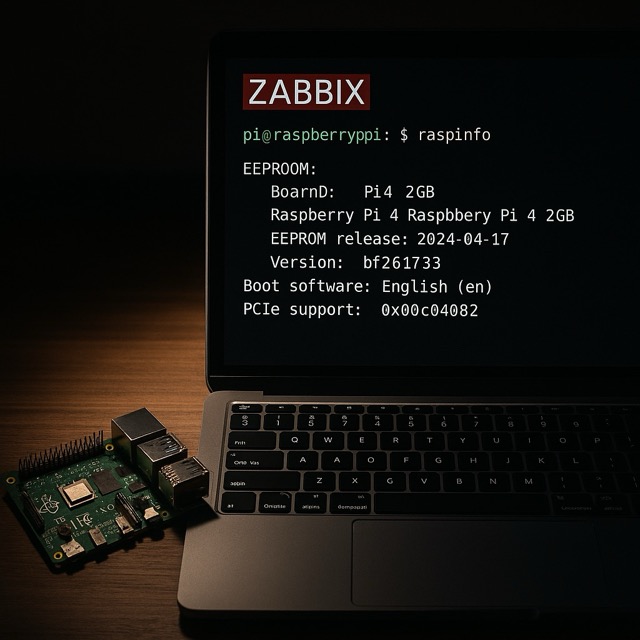
Wouldn't it be fancy if your Zabbix could tell you if your Raspberry Pi would have a pending EEPROM update waiting for you? It's so easy just to upgrade all the packages and forget to update the EEPROM with sudo rpi-eeprom-update -a.
Luckily there's a simple way to make Zabbix to check this for you.
Checking for Raspberry Pi info
Imagine, all these years with my Raspberry Pi 4, and only now I learnt about raspinfo command. It throws you a long bunch of info about your Raspberry Pi, from some logs to generic RPI info to sound/video status to firmware version, and for the purposes of this blog post, the only part that matters is this.
EEPROM
------
BOOTLOADER: up to date
  CURRENT: Tue Feb 11 05:00:13 PM UTC 2025 (1739293213)
   LATEST: Tue Feb 11 05:00:13 PM UTC 2025 (1739293213)
  RELEASE: default (/usr/lib/firmware/raspberrypi/bootloader-2711/default)
           Use raspi-config to change the release.
 VL805_FW: Using bootloader EEPROM
    VL805: up to date
  CURRENT: 000138c0
   LATEST: 000138c0
To ship that info to Zabbix, you could
- make your Zabbix agent to run sudo raspinfo | grep BOOTLOADER command or
- make your Raspberry Pi to run the same via cron and store that to text file, which Zabbix Agent then could parse
- make your Raspberry Pi to run the command and make it send it to Zabbix with zabbix_sender or over Zabbix API history.push()
- use any other way you can come up with
Zabbix side
This post is theoretical, I have not implemented this to my Zabbix (yet), as I just got this idea and decided to create this post before I forget about the whole thing.
Anyway, no matter how you would send your data to Zabbix, your item could then checked for if the BOOTLOADER part contains "up to date", and if not, make Zabbix to alert that hey, there's a new EEPROM version waiting for you. While at it, make your Zabbix to also check the CURRENT and LATEST lines to catch the version info, and make your Zabbix populate some inventory field about the CURRENT version.
I have done similar text-file based posts to this blog so many times that just go to check any of them.
Benefits of this
Of course, keeping a single Raspberry Pi updated at home is a simple task and not so serious if you forget to update it. However, if you have big bunch of RPI's running at work, the whole scenario will change. This would be yet another area where Zabbix could be covering your back -- imagine someone demanding a report of Raspberry Pi firmware versions you have running. With Zabbix, this yet again would be a breeze. Just go to inventory and/or show the active alerts about the versions, if any around.
