
Maybe you'd like to have a random desktop background picture? Or one of your dashboards would need a changing image? Let the alerts flowing in to your alerting system be your artist.
Following the tracks of my previous blog post where GPT4All created all kinds of stories and scenarios based on multiple Zabbix alerts, let's continue with the creativity part. In this case, I'm using just the same script than in previous entry, but this time asking GPT4All to create some image prompts for Stable Diffusion AI image generator. Although, in this case, I'm using Draw Things, which is pretty much Stable DIffusion in your pocket -- or in this case, running on my MacBook. For now, I merely pasted the prompts generated by GPT4All to Draw Things. It seems that there would be an API for Draw Things but it's very undocumented -- or I didn't yet stumble upon its documentation.
Without any further ado, let's generate some images! Remember, all these prompts were generated by GPT4All, I don't have anything to do with them.
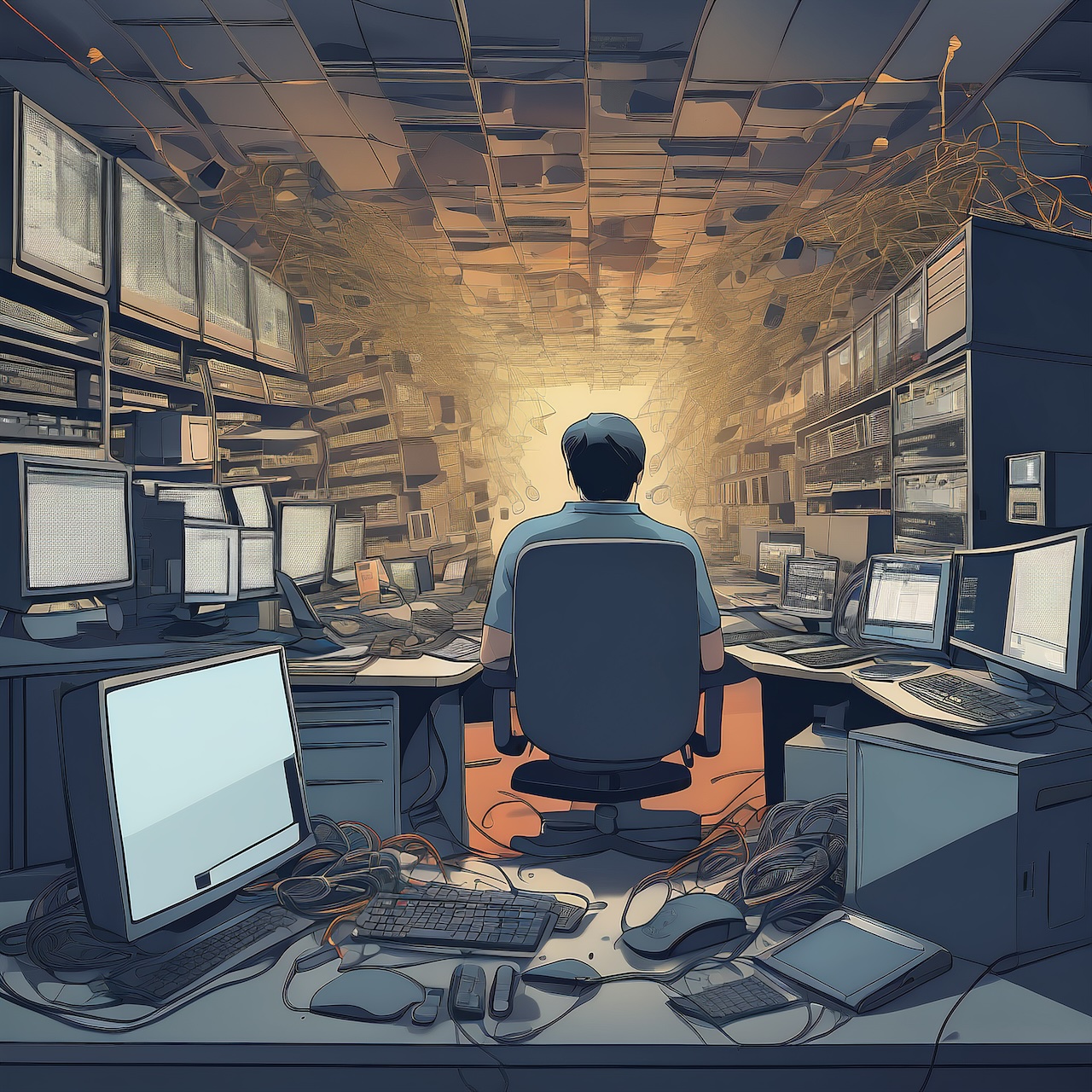
Prompt:
Create an image that represents a chaotic and unorganized workspace, with cables strewn about and various computer components scattered throughout. The background should be dark and dimly lit to convey a sense of neglect or disuse. Include elements such as a Zabbix alerts notification popping up on the screen in the foreground, highlighting one of the listed alerts (e.g., "Zabbix server - ES: Cluster has been restarted"). The image should evoke feelings of frustration and confusion, suggesting that something is not quite right with the technology infrastructure.

Prompt:
Design an image that depicts a futuristic smart home environment, complete with sleek, modern appliances and devices. Incorporate elements such as voice-activated assistants, touchscreen displays, and automated lighting systems. The background should be bright and clean to represent the efficiency of this high-tech setup. Include a Zabbix alert notification in the foreground, indicating an issue with one of the devices (e.g., "Zabbix server - Living room air is dry"). This image should convey a sense of technological advancement and reliability, but also highlight the potential vulnerabilities that can arise when relying too heavily on automation.

Prompt:
Create an image that combines elements of both technology and nature, perhaps showing a person working in a garden surrounded by lush greenery while simultaneously monitoring their smartphone or computer screen displaying Zabbix alerts (e.g., "Zabbix server - Outdoors lights power button off or fuse probably tripped"). The background should be a mix of both indoor and outdoor environments, with plants and natural elements contrasting against the technology-focused foreground. This image should evoke feelings of balance between nature and technology, while also emphasizing the importance of monitoring and maintaining these systems to prevent disruptions or failures.

Prompt:
Design an abstract image that represents the chaos and confusion caused by a series of Zabbix alerts (e.g., "pacemaker1 - pacemaker1/pacemaker: Failed actions found" and "Zabbix server - Janne probably forgot to apply the facial cream!"). The image should feature overlapping, disjointed elements that appear to be in a state of flux or turmoil. Colors should be bright and clashing, with shapes and textures contrasting against each other. This image should convey a sense of chaos and confusion, suggesting that the technology infrastructure is not functioning as it should be.

Prompt:
Create an image that depicts a futuristic workspace or laboratory setting, complete with advanced machinery and high-tech equipment. Incorporate elements such as holographic displays, robotics, and other cutting-edge technology. The background should be sleek and modern, representing the sophistication of this environment. Include a Zabbix alert notification in the foreground (e.g., "Work Mac - /Library/Developer/CoreSimulator/Volumes/watchOS_21S364: Free disk space is less than 5%"), highlighting an issue with one of the systems or devices being monitored. This image should convey a sense of technological advancement and reliability, but also emphasize the importance of maintaining adequate resources for optimal performance.

