
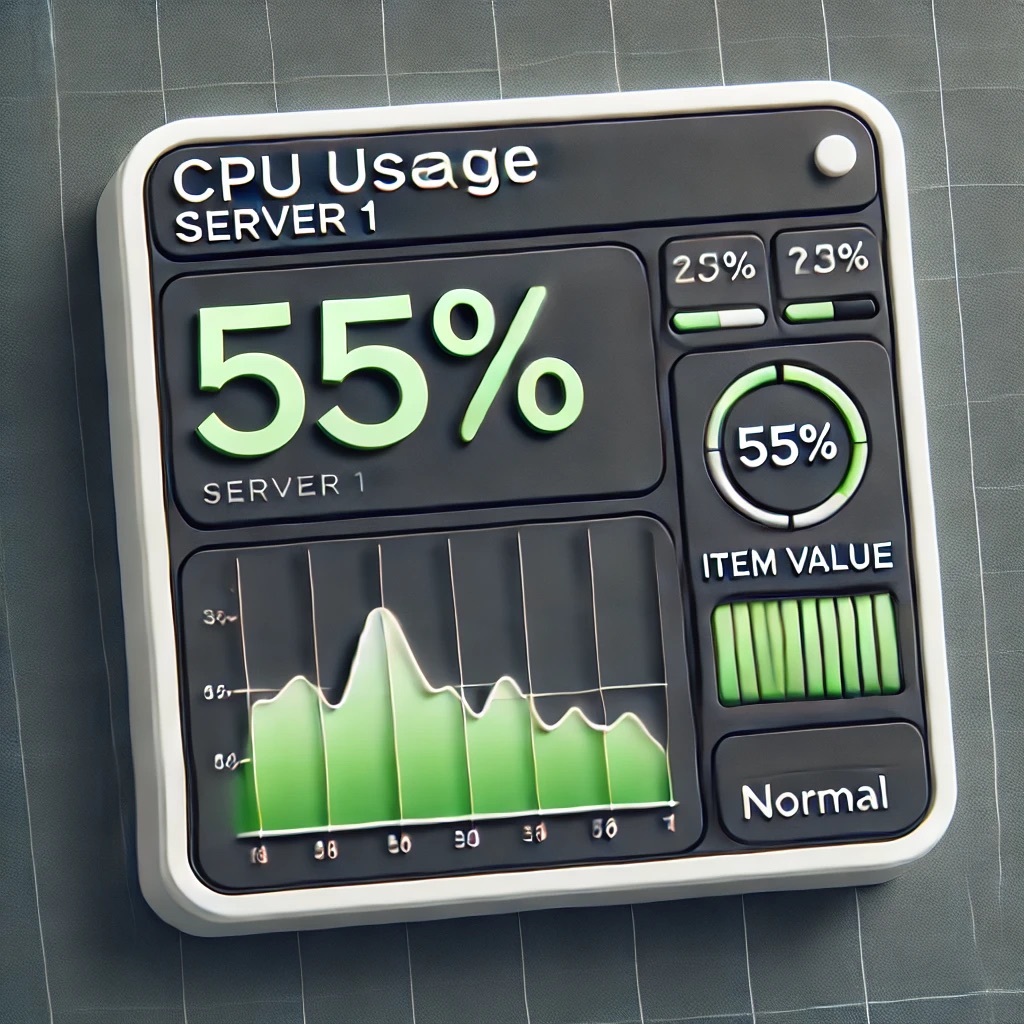
As a continuation to my testing of initMAX custom Zabbix 7.0 widgets PRO versions, here's itemMAX widget.
Item value widget
Zabbix has come with the item value widget for as long as anyone can remember. In fact, it's among the most important widgets you could think of.
However, even if the built-in item widget is useful and trouble-free, it lacks a bit in visualization. If you envy Grafana's Stat panel because it has that history graph thing going on, envy no more as initMAX itemMAX makes that very same graph possible.
This is how the default widget looks like if I only show the value:
... and here's the very same with initMAX itemMAX widget.

See, there's that background graph. You can actually configure it further than what is possible in Grafana's default Stat panel. Here's the relevant part of the itemMAX config dialog.

This is how your configuration opportunities look like for that background graph on Grafana. Yay, a small win against the undisputable king of observability eye-candy. (See, I said observability king, Zabbix is the undisputable king of monitoring and automatic remediation)

What else is there in itemMAX?
Well, actually, that's it. The main point of the widget is to provide the background graph for you, and make it very configurable. Other than that, the widget is very much like the default item value widget. At least, that is the status as I type this -- I know the initMAX guys are up to new stuff so you never know what the future might bring.
That's also a testament for how good the default item value widget is -- for example, just some time ago, itemMAX was ahead of the times with its possibility to make the background graph time range to change per dashboard-wide settings or as input from other widgets; however, the default item widget can now do that too.
But, if you are on your journey to use Zabbix for visualization too instead of Grafana, then by all means go and try out the new initMAX itemMAX widget, along their other widgets. These small fine-tunings really add up and make your Zabbix even more gorgeous than it was before, all that without too much work.
