
Skip to header Skip to main navigation Skip to main content Skip to footer

Search form

Site branding

Home
What's up, home?

Main navigation

  • Home
  • Story mode
  • About
  • Features
  • Hardware list
  • Videos
  • GitHub (opens in new tab)
  • Daily AI generated stories (opens in new tab)

Part 33: My nine months experience with Raspberry Pi 4 and Zabbix

Breadcrumbs

Breadcrumb

  • Home
  • Part 33: My nine months experience with Raspberry Pi 4 and Zabbix

Main page content

By whatsuphome | 7:43 AM EET, Sun January 15, 2023

TL;DR

After nine months of running Zabbix on a Raspberry Pi 4, the device proved capable for home monitoring when the graphical environment is disabled and an external USB drive handles heavy I/O. I also added application performance monitoring to track memory
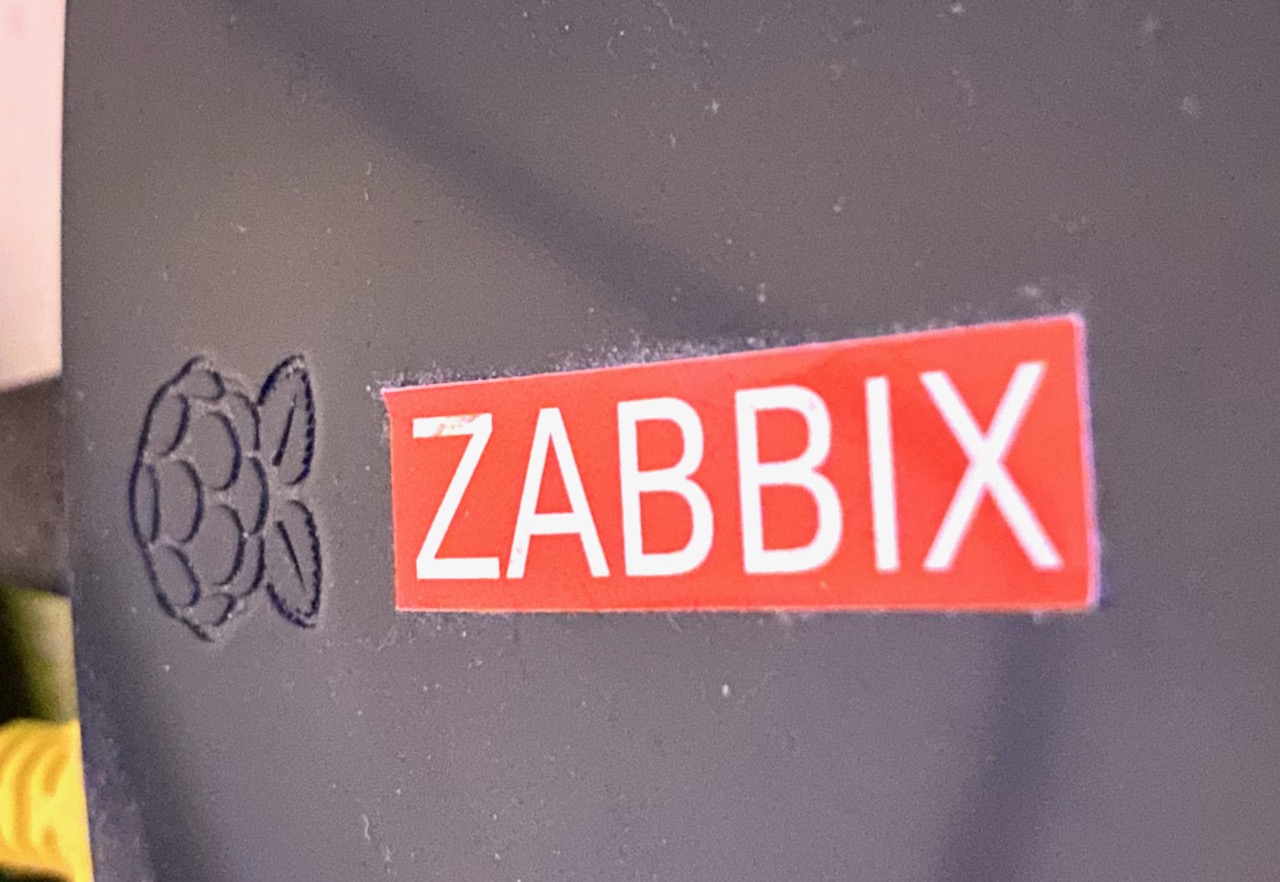
Raspberry Pi 4 closeup with a Zabbix sticker on it

Is Raspberry Pi 4 a goodbye or good buy for running Zabbix? How is it performance-wise? Is it reliable? Here's my nine months review of it, with a splash of appliance/application performance monitoring.

After in about April 2022 when it became clear that I am going to continue my home monitoring project, I bought a Raspberry Pi 4 to run the show. Here's my opinion how well it is suited for running Zabbix.

Installing Zabbix

Applying that delicious layer of Zabbix on top of your Raspberry Pi 4 cake is extremely straightforward, as just like for every other platform that Zabbix officially supports, they do have packages and instructions to setup you'd like to run.

Zabbix download menu
So many options to choose from!

After installing the packages, the next steps are just like with Zabbix running on any other platform, so I am not going to dive into that now.

Modifications to my Raspberry setup

As I do not need to run graphical environment on my Raspberry, I did disable the graphical environment from starting at all to save some precious RAM and other resources.

After some time I did also purchase an external USB hard disk, as the memory card from where Raspberry Pi 4 runs its OS is not very snappy especially with write operations and can also run tight on free space.

Other than that, my Raspberry Pi 4 is running pretty much on defaults.

How about the performance?

The graphs that you are about to see are from nine months period of time, as that's about as long I have had the device.

CPU usage
No problem with the CPU usage. It's been creeping up a little bit over time though, as I have been adding new items to monitoring and also additional software, such as HomeBridge and Home Assistant.
Free memory
It still has available memory, even though the device runs Zabbix server, MariaDB, Grafana, Mosquitto, Home Assistant and HomeBridge.
Number of processes
As you can see, the number of running processes has grown significantly as I have been adding other stuff than Zabbix.
I/O utilisation %
It's easy to see when I did switch from internal memory card to external USB drive. The disk I/O utilisation percentage is hovering on very tolerable levels.
I/O latency
I/O latency has remained about the same.
Temperature
With only Zabbix, MariaDB and Grafana running the device remained around 55-60C area, but has been warming to about 70C with the additional software. Still not too bad.

Splash of APM

Have you ever wondered what happens to a memory usage of a wrapper shell script that runs other scripts in loop and keeps doing that until it's manually stopped? This happens, it's boringly stable. The results are brought you to by Zabbix Agent 2 process discovery.

run_all memory usage
Really, it does not vary much.
run_all page faults
But as I have been adding new stuff, clearly the OS needs to do some more swapping and even the script has more page faults than before.

There's more than that to process discovery, but those were some examples.

Zabbix server statistics
Zabbix server itself is doing very well, here's some example stats.

My conclusion: Raspberry Pi 4 is an excellent Zabbix server for smaller environments and a very good Zabbix proxy candidate. It's been rock solid.

whatsuphome
zabbix
raspberrypi4
review
part33
  • Add new comment

Comments (4)

  • Allowed HTML tags: <a href hreflang> <em> <strong> <cite> <blockquote cite> <code> <ul type> <ol start type> <li> <dl> <dt> <dd> <h2 id> <h3 id> <h4 id> <h5 id> <h6 id>
  • Lines and paragraphs break automatically.
  • Web page addresses and email addresses turn into links automatically.

Dear whatsuphome.fi…

Jessika Vial (not verified)

3 years 2 months ago
Permalink
New

Dear whatsuphome.fi administrator, You always provide useful tips and best practices.

  • Reply

Raspberry Pi 4 - RAM amount

Jakub L. (not verified)

2 years 6 months ago
Permalink
New

Hi Janne,
I was curious to know which Raspberry 4 model are you using, how much RAM does it have. I wasn't able to find that info on your website.
Thank you
Jakub

  • Reply

Great, thank you for the…

Jakub L. (not verified)

2 years 6 months ago
Permalink
New

Great, thank you for the updated info.

  • Reply

In reply to Raspberry Pi 4 - RAM amount by Jakub L. (not verified)

You're welcome

whatsuphome

2 years 6 months ago
Permalink
New
Heh, I updated the hardware list yesterday but forgot to thank you. So, thank you about noting an important missing detail. :)
  • Reply

In reply to Great, thank you for the… by Jakub L. (not verified)

After nine months of running Zabbix on a Raspberry Pi 4, the device proved capable for home monitoring when the graphical environment is disabled and an external USB drive handles heavy I/O. I also added application performance monitoring to track memory

Search

Who am I?

  • Janne Pikkarainen from Finland 🇫🇮
  • Began with computers in 1986 with C64
  • Doing IT for living since 1999
  • Principal Site Reliability Engineer at Forcepoint
  • A Zabbix Summit speaker every year since 2022
  • Walking, talking Zabbix commercial

Support my project

Buy me a coffee 

Footer menu

  • Contact

What's up, home? | Janne Pikkarainen | contact(at)whatsuphome.fi | 2022 - 2026

Developed and Designed by Janne Pikkarainen