
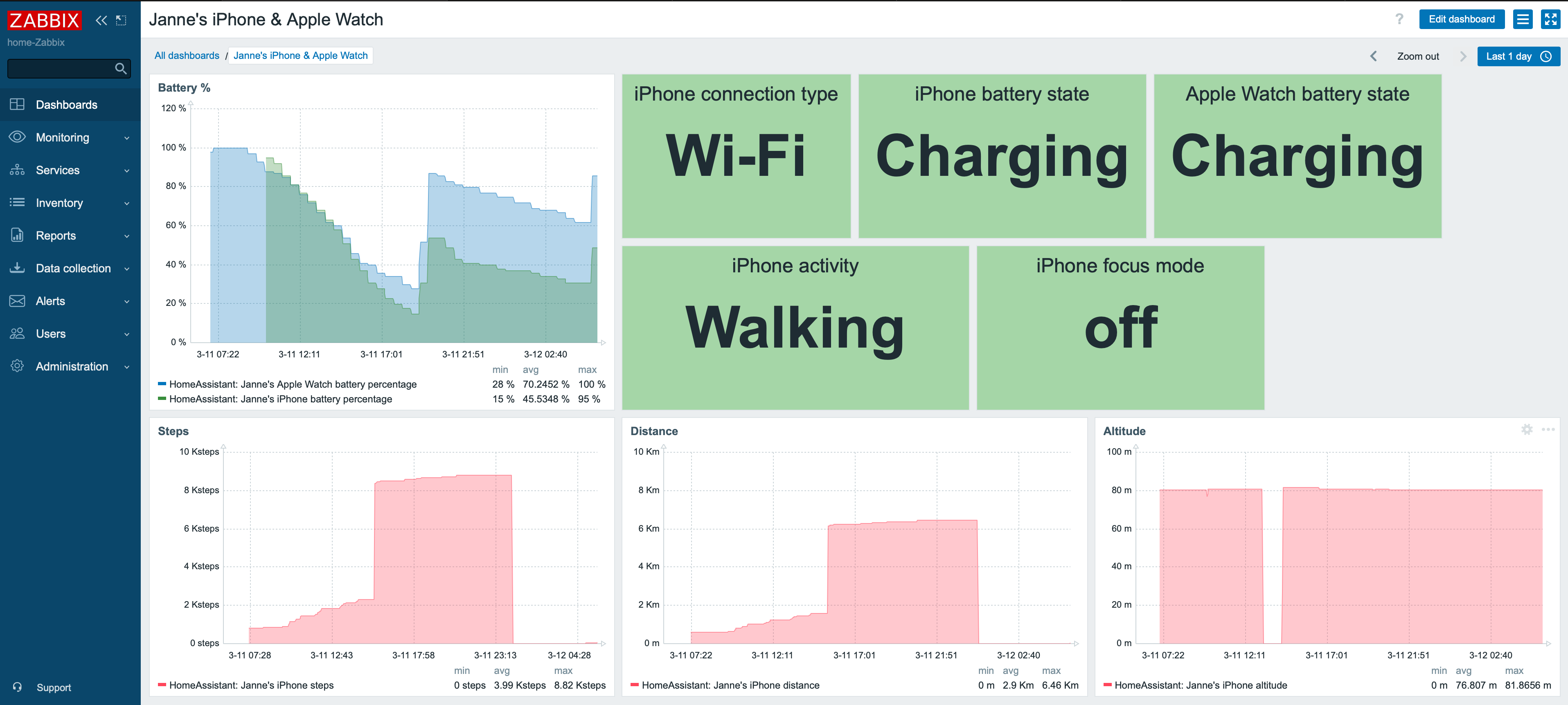
I'm entering a whole new level of monitoring and "What's up, home?" could now also be called "What's up, me?". Recently my colleague did hint me about Home Assistant's HomeKit Controller integration just to get my HomeKit-compatible Netatmo environmental monitoring device to get to return value back to Zabbix without my Siri kludge. One thing lead to another and now I'm monitoring my iPhone and Apple Watch -- so, practically monitoring myself.

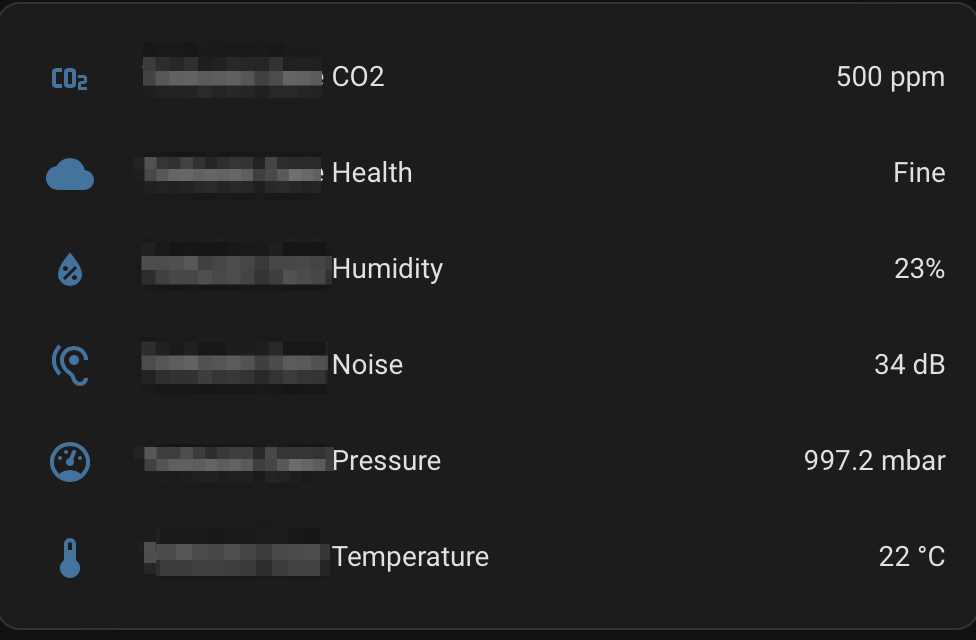
Home Assistant is a nice home automation software. It is open source and provides many, many integrations for automating your home. I now have my Netatmo comfortable monitored through that ...
... but while exploring around Home Assistant's integrations, I came upon it's iCloud integration. Oh boy. This takes my monitoring to a whole new level.
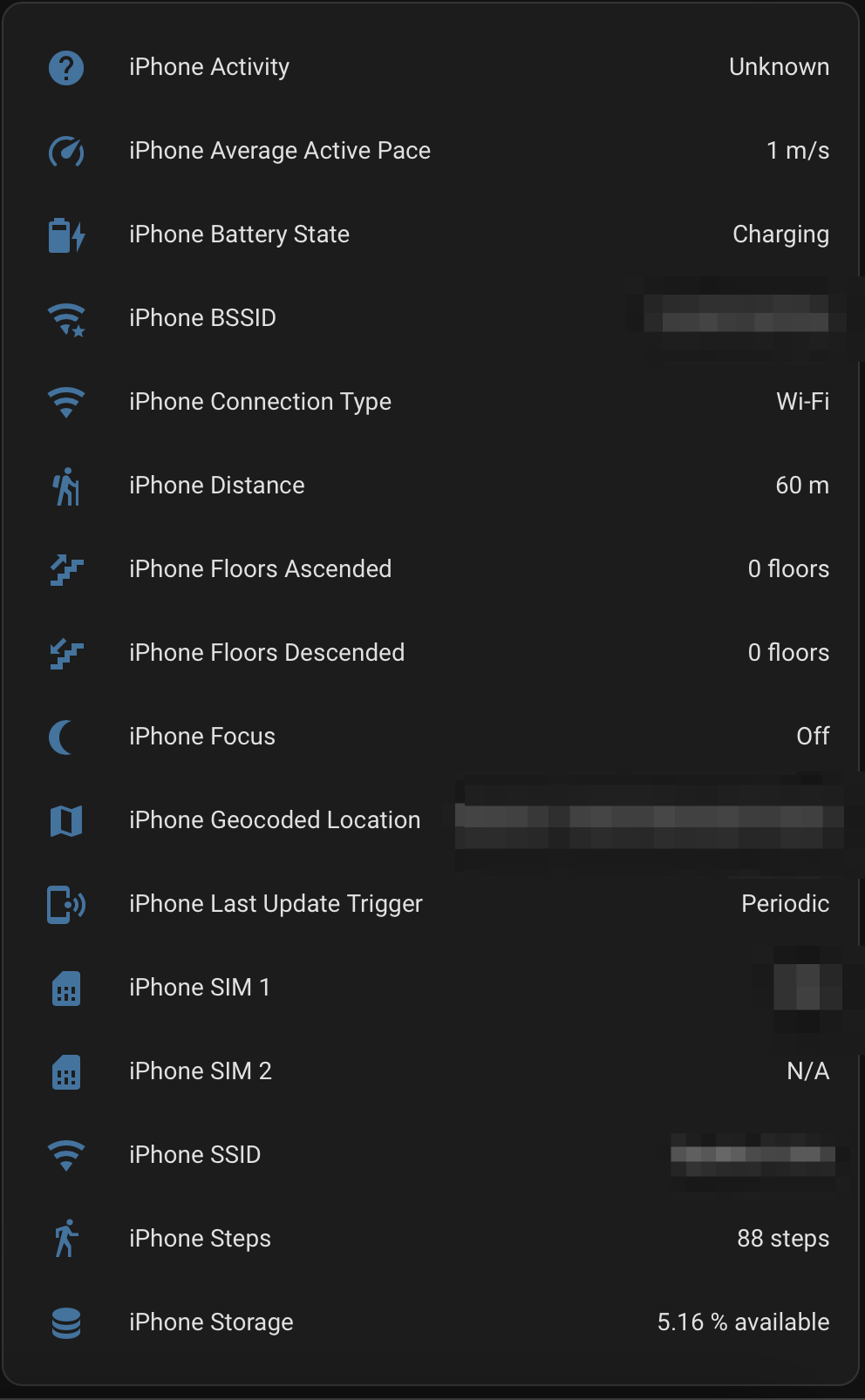
But how to get this data to Zabbix?
On Home Assistant, you can go to your account settings and create a Long-lived access token. With that, you then just pass the authorization bearer as part of your HTTP request and you are done. So, like this.

This way you'll receive your Home Assistant data back in JSON format. As the output is really really really long, and I needed just a relatively small set of data for myself, I cherry-picked those using the above item as the master item, and then creating a bunch of dependent items.
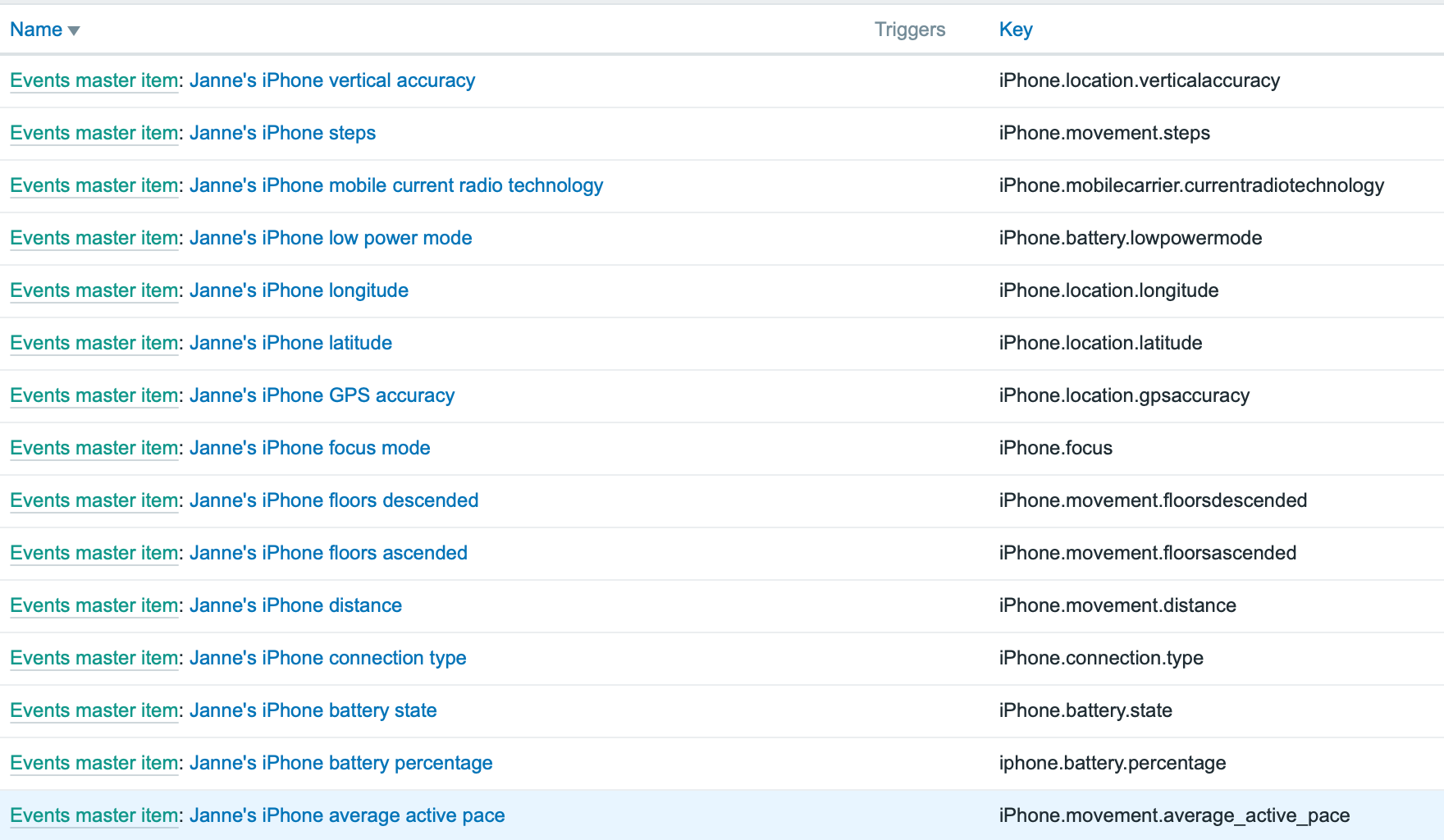
... and here's a single item so you get the idea.

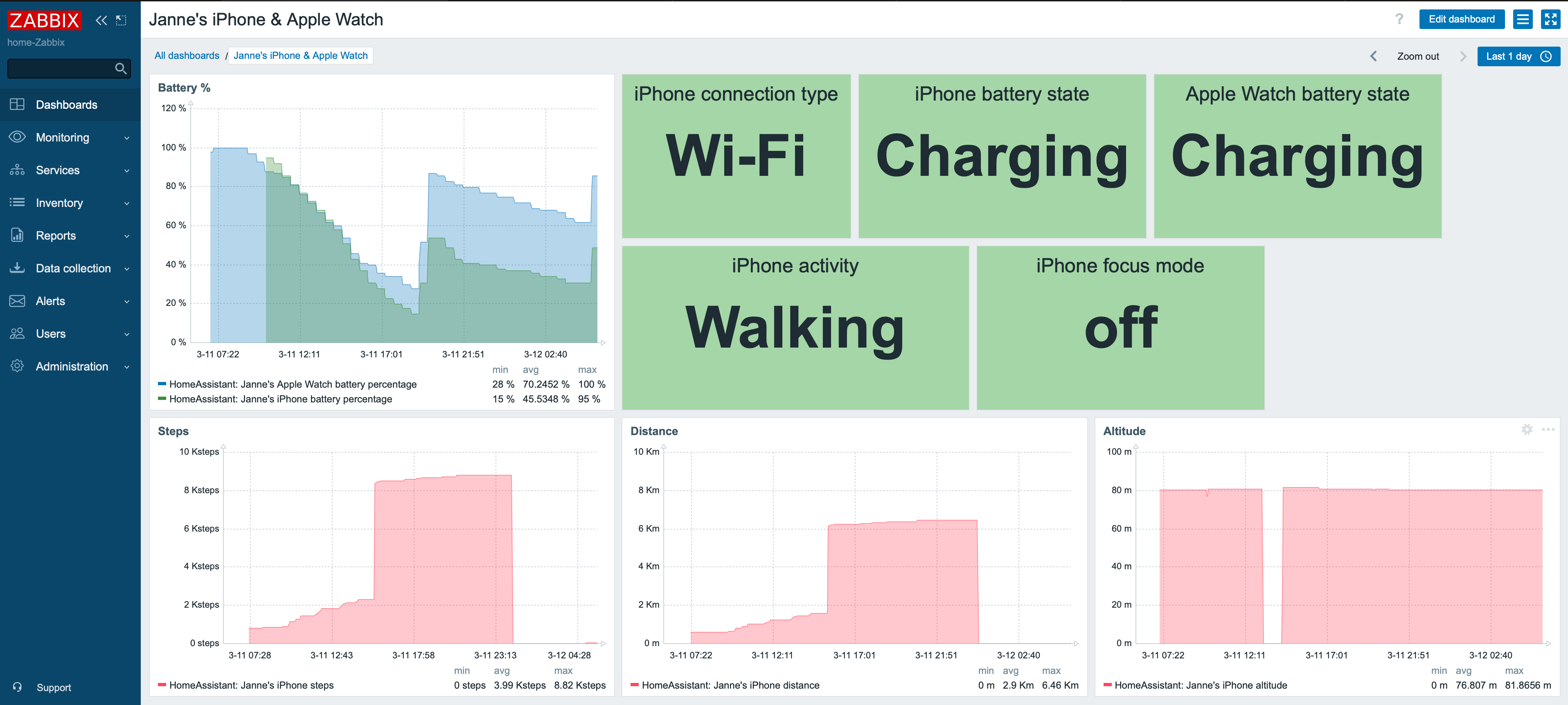
Let's create some dashboards
Now that I have my data in Zabbix, it's time to create some dashboards. Fascinating that I can now truly monitor my iPhone and Apple Watch like this.
I also created a Grafana dashboard.

Observations
This has been now running for roughly a day for me. Already some observations:
- While driving, on traffic lights I tried what happens if I disable the Bluetooth connection between my car and my iDevices. For the rest of the trip my status was reported as Cycling instead of Automotive. Hmm.
- Not all the data will be updated in real-time, but there's a significant lag. Also it seems I might need to VPN to my home so the data would be updated sooner while I'm not at home.
- iPhone's custom focus modes are not updated to Home Assistant. During the sleep focus mode, the focus mode was reported as On, but for any other mode I tried it only shows Off. Shame, I would have loved to start tracking things like how long it takes from me to put our baby to sleep or how much of the time I'm spending with this blog. That has to wait for now.
But anyway, this thing just opened a whole new Pandora's box for me to explore.

Comments (1)
To the whatsuphome.fi admin,…
Millard Riordan (not verified)
To the whatsuphome.fi admin, Thanks for the well-researched and well-written post!