Can you monitor a home air conditioner with Zabbix? Of course you can! By day, I am a monitoring tech lead in a global cyber security company. By night, I monitor my home. Welcome to my weekly blog about how I monitor my home with Zabbix & Grafana and do some weird experiments.
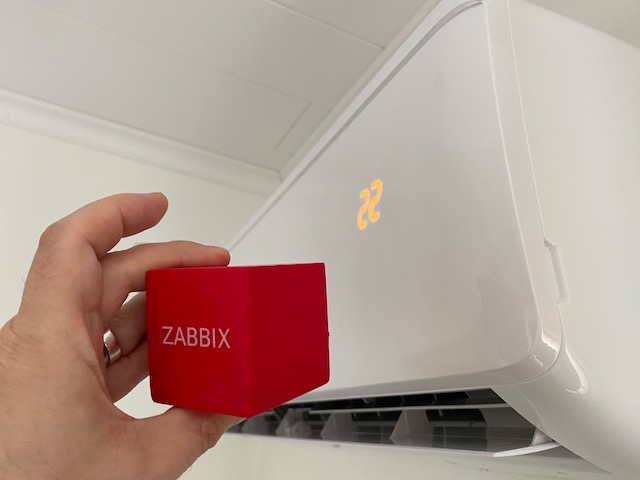
The summer — and thus maybe the heat wave season — is approaching. For the past two summers, our home has been a hot place to be. Enough is enough, so yesterday afternoon we got an air conditioner. It’s not a very high-end model, but apparently these things come with built-in Wi-Fi nowadays.
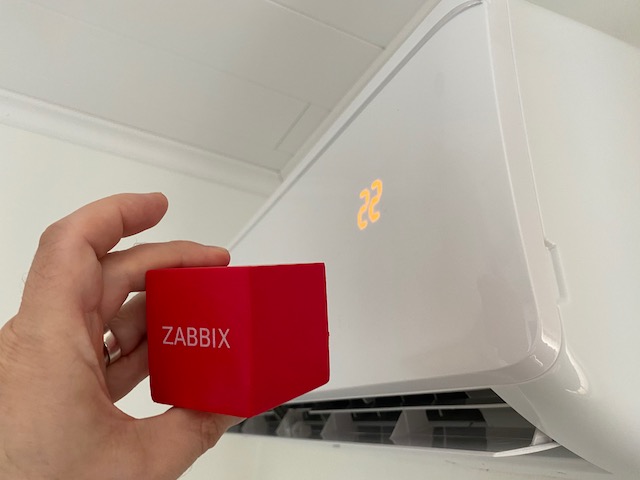
Wouldn’t it be cool to monitor that with Zabbix? Yes.
Wi-Fi, do you read me?
Getting the air conditioner connected to our Wi-Fi was as easy as the manual promised: press Health button eight times in a row and wait until the air conditioner says “be-be-be-be-be-beep”. Sure enough, that happened, and moments later the AC Freedom app I installed to my iPhone started to show this.
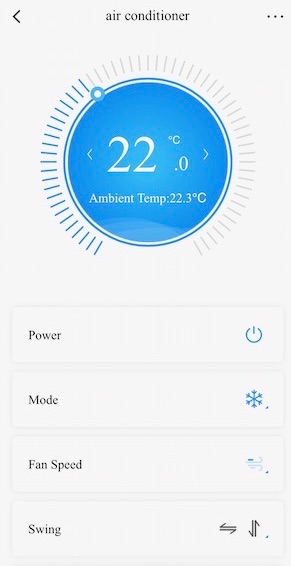
For a normal person, this would be more than enough. For me, this was the start, next step is to add the thing to Zabbix.
Encountering headwind
Checking the first things first — no, Zabbix does not seem to support this AC out of the box. No worries, that is not the end of the world, it just slightly slows things down, and also makes things a bit more interesting.
Now that the AC was connected to our Wi-Fi, I first went to check out some data about the AC from the Wi-Fi admin interface. It revealed to me that the device contains network hardware by Broadlink in it. Ah-ha! Search engine, here I come!
Moments later, I found out Broadlink Air Conditioners to Mqtt.
Okay, MQTT it is. That’s a light-weight protocol designed for IoT devices communication, and I had absolutely no clue how that worked, as this was the first time I got to use it. It would blow if this step proved to be too cumbersome.
Luckily, thanks to open source and 2022, getting it to run was not that hard.
It’s nearly summer, welcome mosquitos
The aforementioned Broadlink AC to MQTT quickly raised my confidence, as it immediately found out my new device. Yes, I can do this!
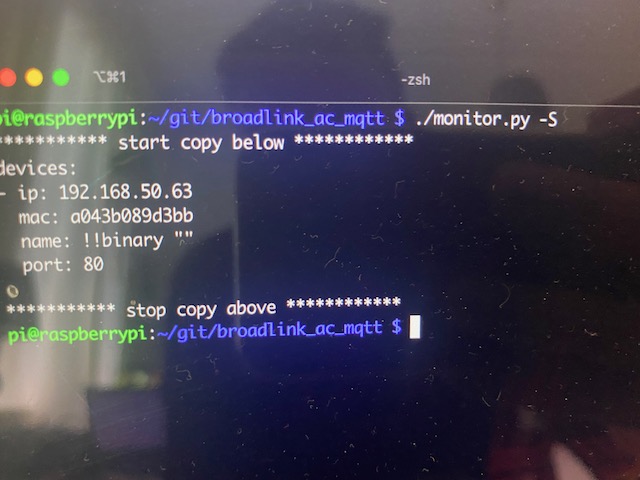
… that’s nice, but how to use this any further? I could not see any MQTT messages anywhere.
Soon enough I realized I need to install an MQTT message broker to catch the messages. I found out Eclipse Mosquitto.
An apt install mosquitto mosquitto-clients and some config file guessing later my jaw dropped, as I saw this:
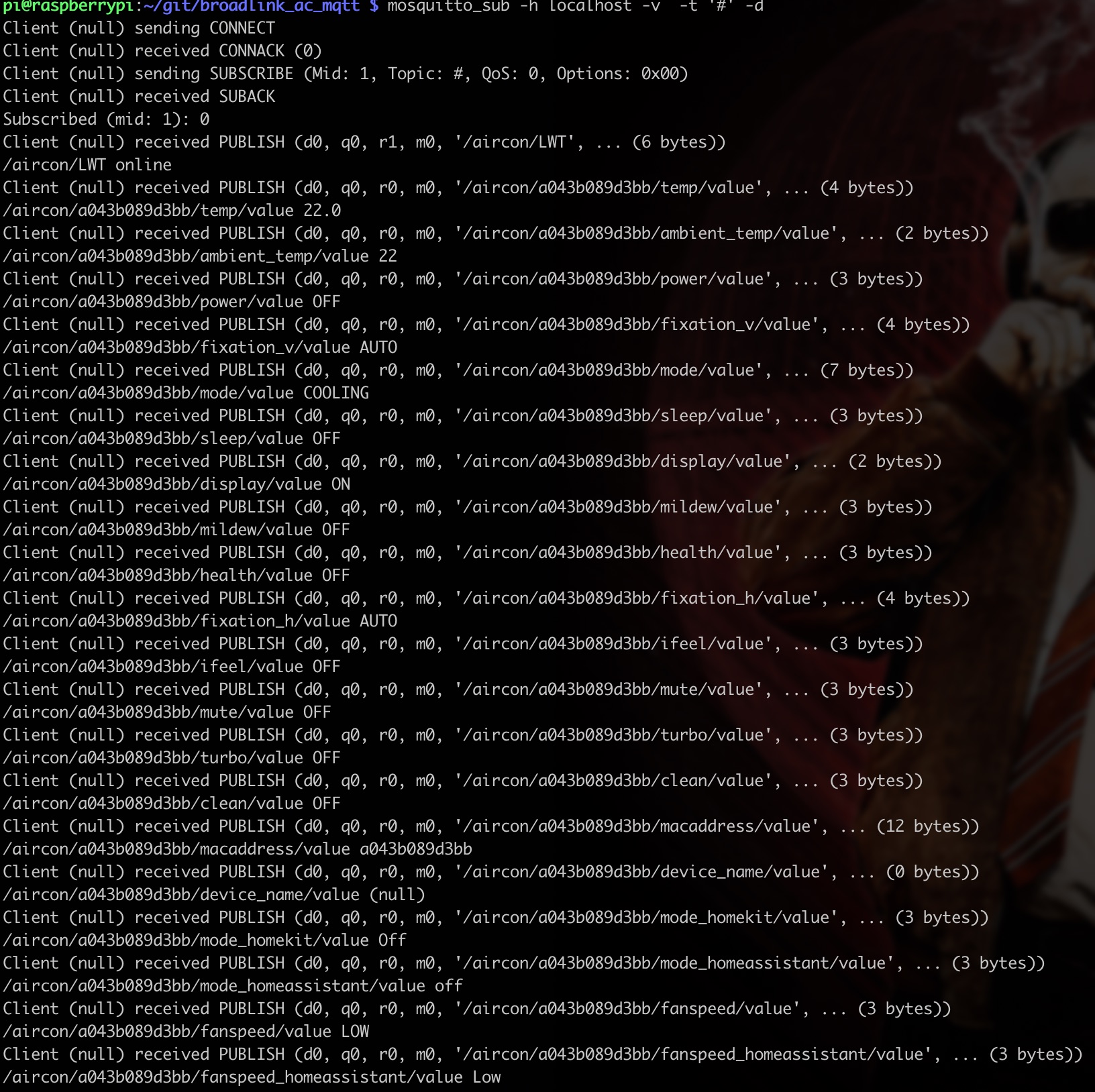
Wow, that’s a wind-wind situation. It returns sane values! My next step was then to find out if I can somehow access those URL like paths with Zabbix.
With Zabbix, MQTT is just a breeze
I remembered from some ancient Zabbix Summit that Zabbix 5.x gained Modbus/MQTT support. My Raspberry Pi 4 is running Zabbix 6.0.4, so certainly that part should be covered.
In the end, getting MQTT to run with Zabbix was almost too easy. Zabbix Agent2 has a native MQTT support with its mqtt.get active check, so I tried to add an item like this:

And, as this is Zabbix, of course it works:
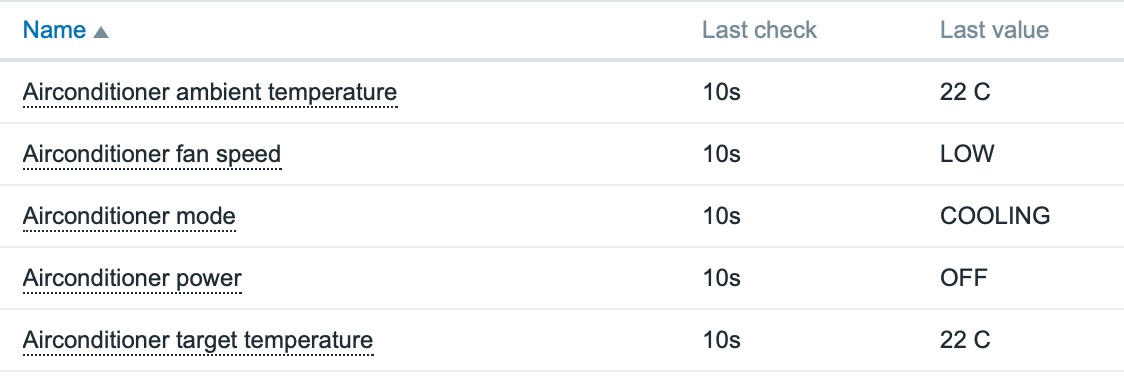
Yay! From now on, my home Zabbix can alert me about the AC as well and generate some fancy graphs.
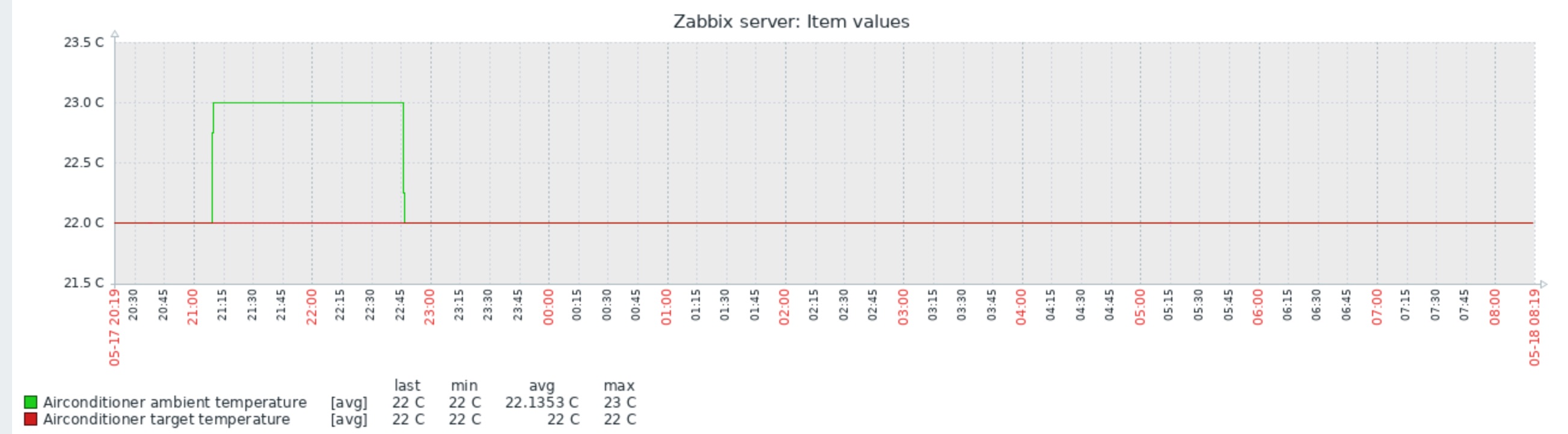
What’s next?
As I got the AC unit yesterday and this is just the beginning, I still have more things to add later.
- Add some “Yikes! It’s too hot!” triggers
- Create a Grafana dashboard
- Try out if I can adjust the air conditioner settings using Zabbix
Anyway, in the end this certainly was easier than I expected.
I have been working at Forcepoint since 2014 and monitoring has never been cooler.
