Can you use Zabbix as a countdown timer? Of course you can! By day, I am a monitoring technical lead in a global cyber security company. By night, I monitor my home with Zabbix & Grafana and do some weird experiments with them. Welcome to my blog about this project.
Zabbix Summit 2022 is almost here. Finally we meet again in person after two years of virtual summits. And this year, I get to be a speaker. YAY!
But can you make Zabbix show you if it's time for the summit yet? Yes, easily! Just create a calculated item which calculates the epoch time difference between your desired time and current time, and that's about it.
Get your epoch time easily
In my case, I consider my Zabbix Summit to be starting when I board the plane at the Helsinki Airport.
To get the epoch time, or Unix timestamp, or time in seconds since January 1st 1970 00:00:00, for my flight departure, I went to Epoch Converter website and entered the details.

Create a calculated item
With that info, I then created a new calculated item on Zabbix.

In other words, get the time remaining in seconds before my flight takes off.
For my calculated item, I declared the units to be in seconds, after which Zabbix already shows the results in more convenient days -- hours -- minutes format.
Apply some value mapping
To make this more interesting, let's apply some value mapping!

Next, when I apply this value mapping on my previously created item, I can then move on and create a separate dashboard for my Zabbix Summit countdown needs.
Create a dashboard
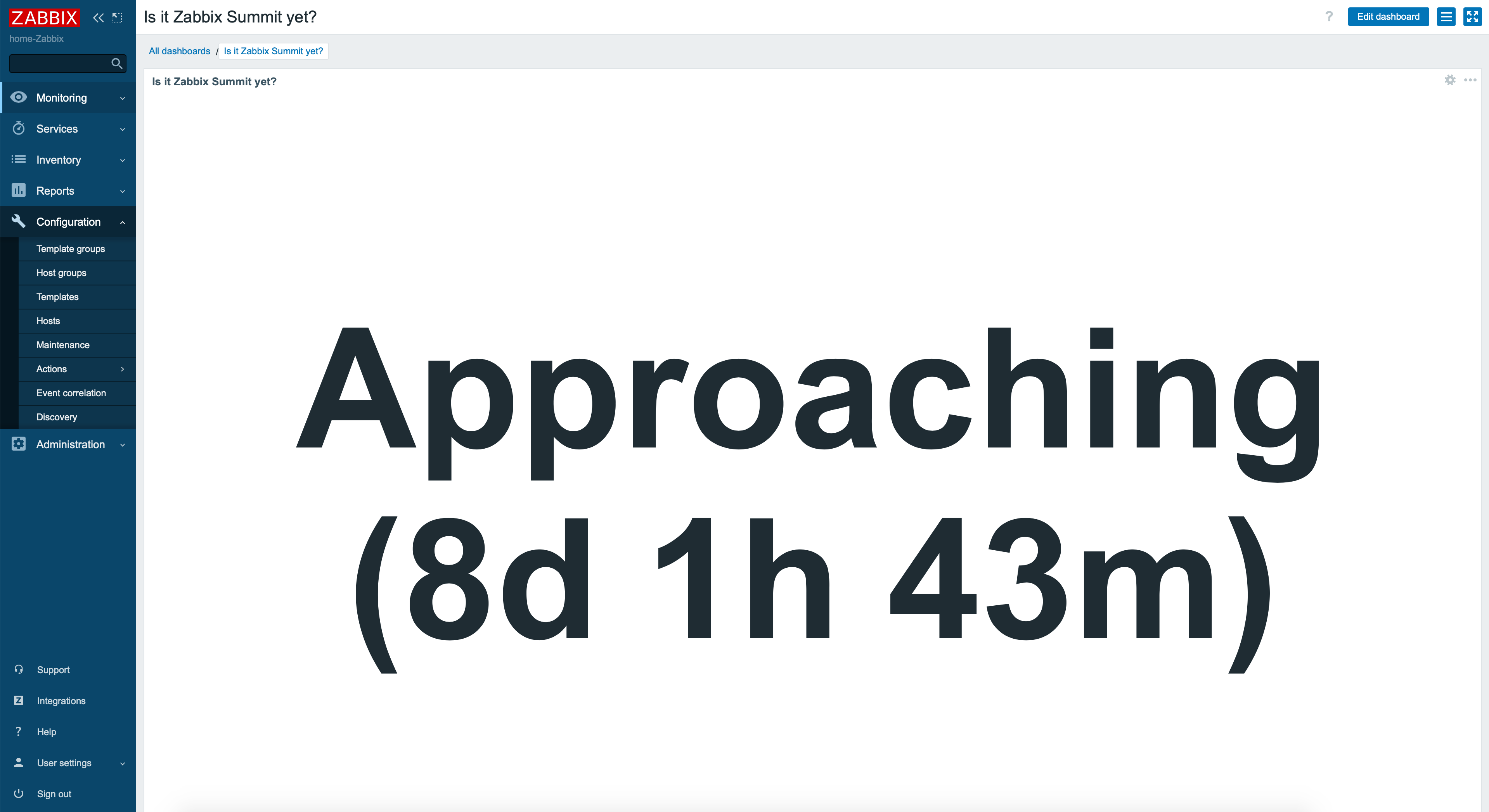
I simply added a new Item value widget to my new dashboard, chose my time until Zabbix summit item, adjusted font size and item positioning, and here it is in all its glory.

I could of course create alert triggers for this to get a notification when I need to go to the airport, but I guess that's totally unnecessary. Can't wait to meet y'all!
I have been working at Forcepoint since 2014 and monitoring keeps my internal clock ticking. Hmm, that was a weird sentence.
